 jquery video slider
 slideshow javascript
 slide jquery
 jquery diaporama
 Immagini Galleria
 网络幻灯片: 效果的幻灯片
 Galeria De Imagens
 слайдер изображений, слайдшоу, CSS слайдер
 Bild Galleri
 画像のスライダー&ギャラリー
 Afbeeldingen Caroussel



 Youtube & Vimeo
 How create sliding frames of images in html
 How to make a banner automatic slideshow
 How to ken burns slideshow
 How to make text slider in dw
Recent Demos
-
 jQuery slideshow software
Salient Skin
with Squares Transition
jQuery slideshow software
Salient Skin
with Squares Transition
-
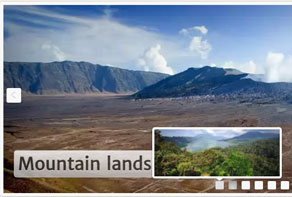 Responsive CSS slideshow
Plastic Layout
with Squares Effect
Responsive CSS slideshow
Plastic Layout
with Squares Effect
-
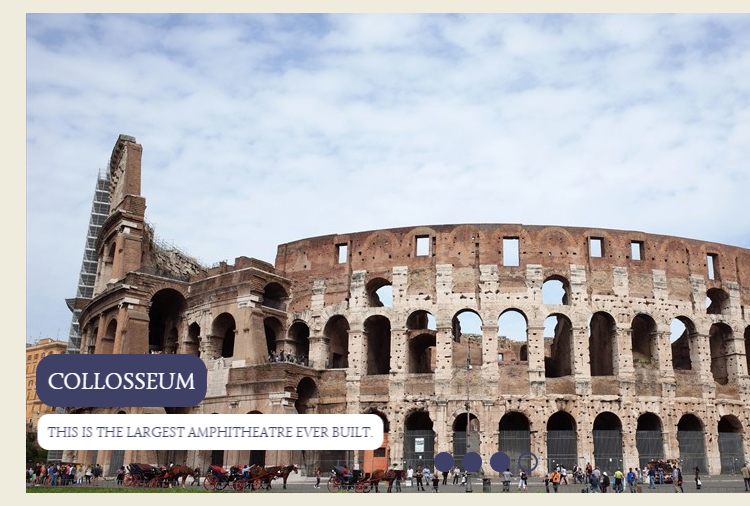 image slide show free download
Dark Matter Layout
with Squares Transition
image slide show free download
Dark Matter Layout
with Squares Transition
Slider Demos
-
 Download jQuery image scroller
Prime Time Style
with Basic linear Effect
Download jQuery image scroller
Prime Time Style
with Basic linear Effect
-
 jquery slider free download for website
Dark Matter Layout
with Squares Transition
jquery slider free download for website
Dark Matter Layout
with Squares Transition
-
 jQuery Rotator
Terse Layout
with Blur Animation
jQuery Rotator
Terse Layout
with Blur Animation
More Demos: bootstrap carousel plugin, AI Website Builder, HTML slider, Slick carousel, Bootstrap carousel, HTML slideshow, CSS Slideshow, jQuery carousel, Image carousel
Related
More questions
- slideshow using jquery,
- jquery slideshow autoplay,
- jquery fading slideshow,
- joomla jquery slideshow,
- background slideshow jquery,
- slideshow with jquery,
- jquery slideshow plugins,
- jquery flickr slideshow,
- jquery fullscreen slideshow,
- jquery slideshow drupal
- jquery slideshow example,
- jquery banner slider code,
- nice jquery forms
 When I open jquery slider example project file again after a while, all the image are gone
Q: My big problem is that I would like to change some of the image from time to time and can figure out how to do that without have to build a new slider.
I do save my projects as you suggest under part 6 on wowslider.com (the .wowsl file), but when I open that file again after a while, all the image are gone.
On your website it says that the project consists of the pictures I choose to put on my image slider.
Is there a solution to this or do I really have to make a whole new slider just because I want to add or remove one Image?
A: Actually, project file stores settings of slideshow only (template, transition effect,
delays, etc.) and doesn't store images. So, if your original images were deleted or moved
into another folder, they couldn't be opened.
You can open .wowsl file in any text editor (for example, Notepad), find following lines:
<Image>
  <url>D:\Temp\images\image1.jpg</url>
  <title>Example of image</title>
  <userurl>http://wowslider.com/</userurl>
  <usertarget>_blank</usertarget>
</Image>
and edit path to your image in "url" line. When you'll specify correct path, image will be opened in application window.